I. Diagram
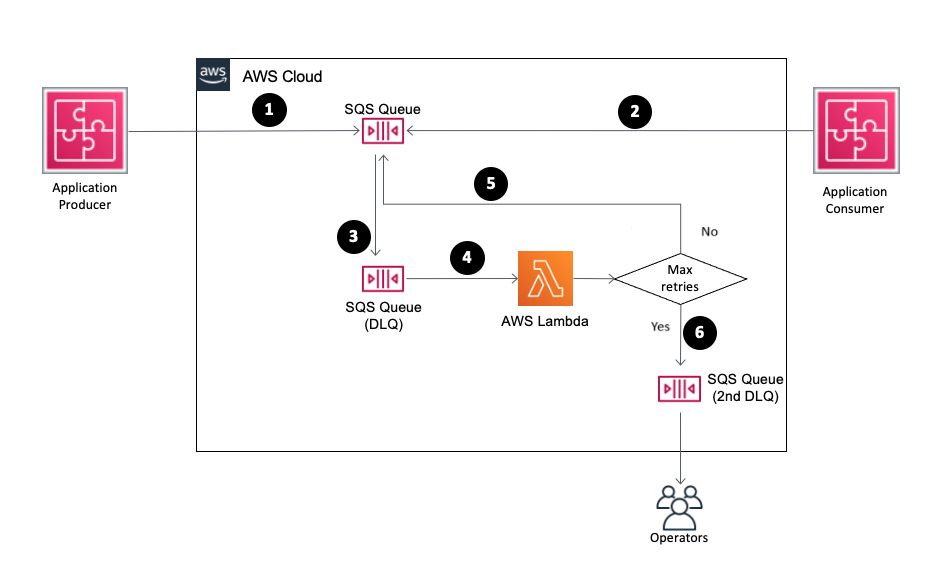
II. Detailed Steps
1. Setup the SQS dead-letter queues
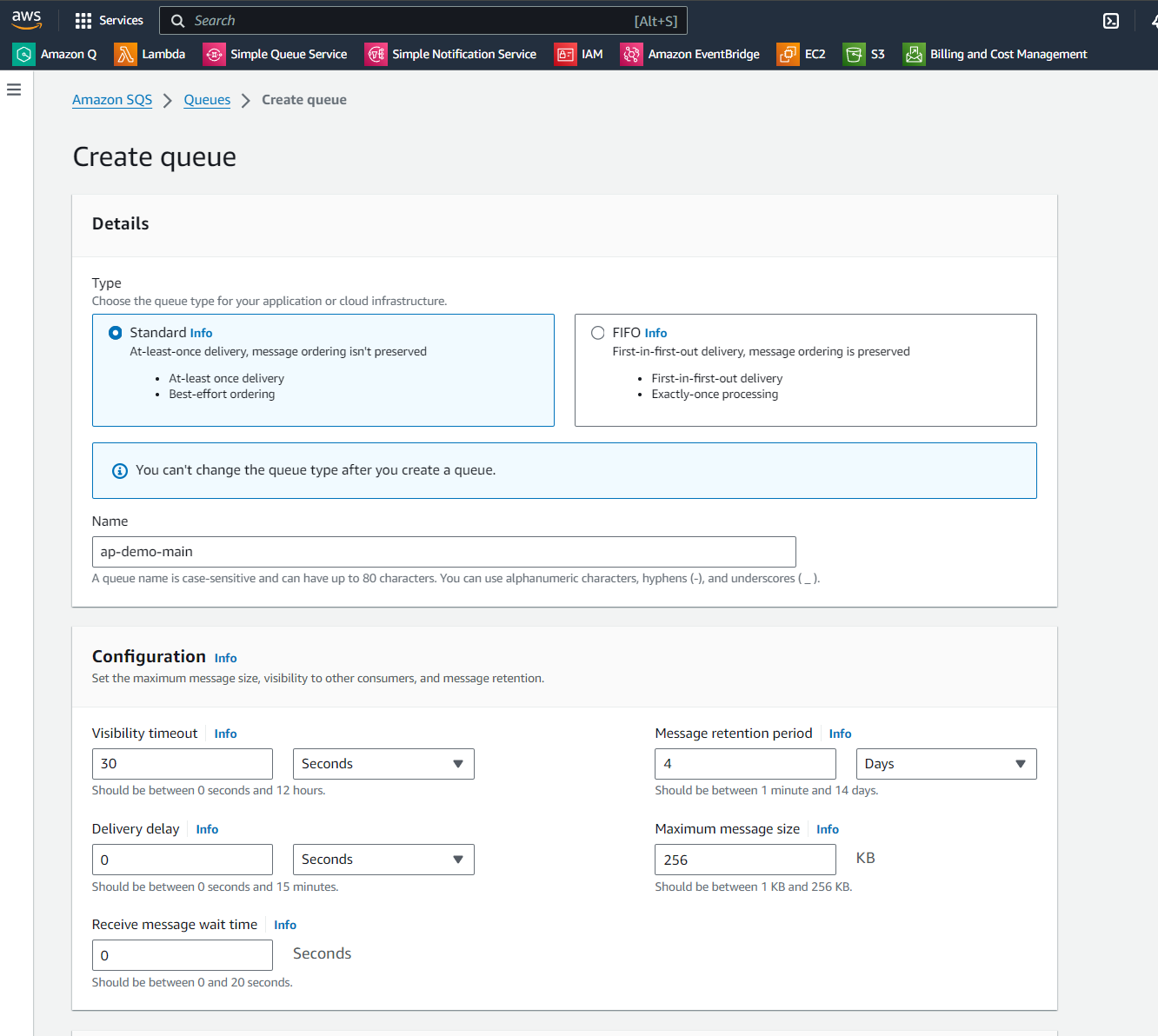
Step 1: Create the SQS queue with the name ap-demo-main.
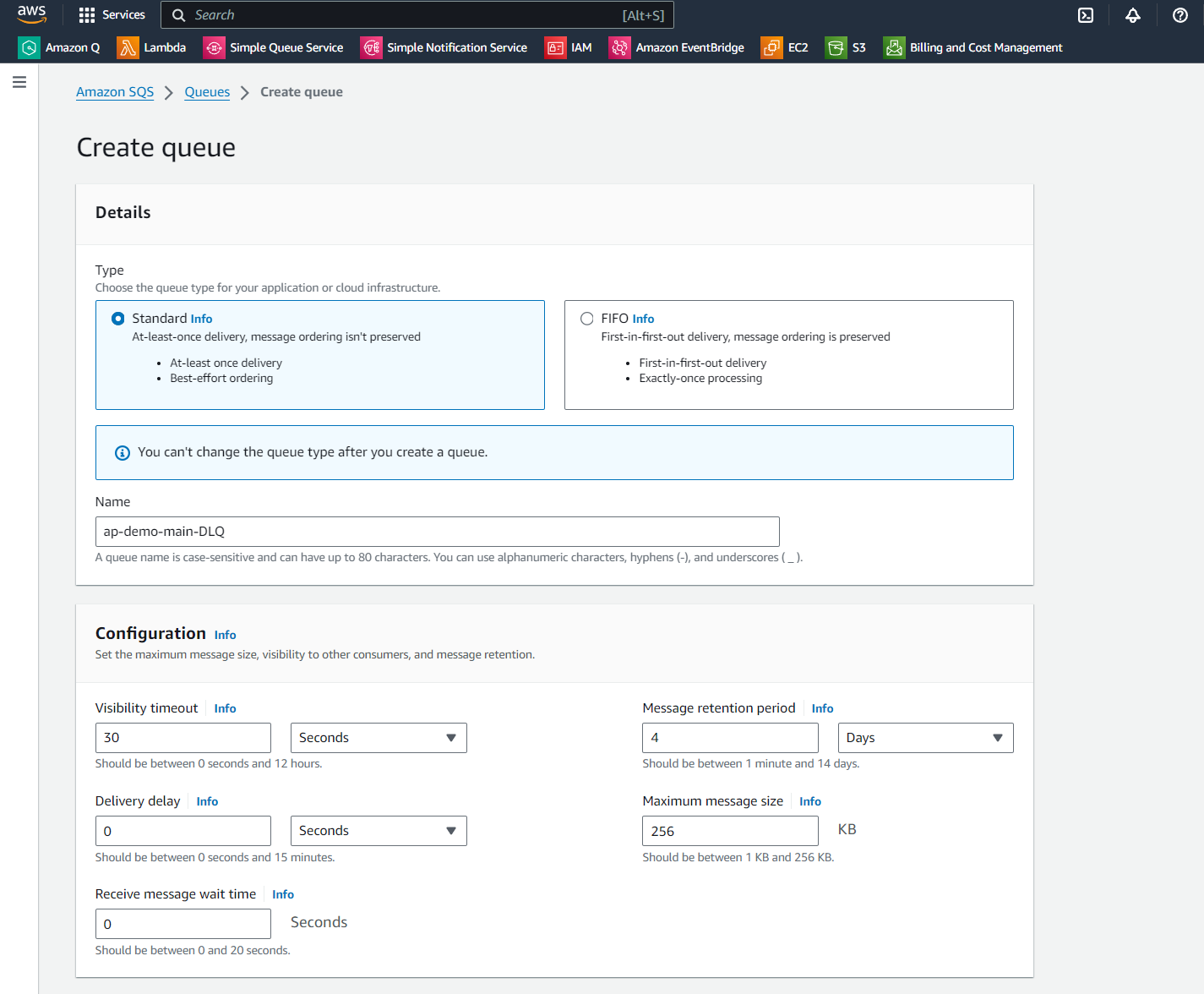
Step 2: Create the second SQS queue with the name ap-demo-main-DLQ.
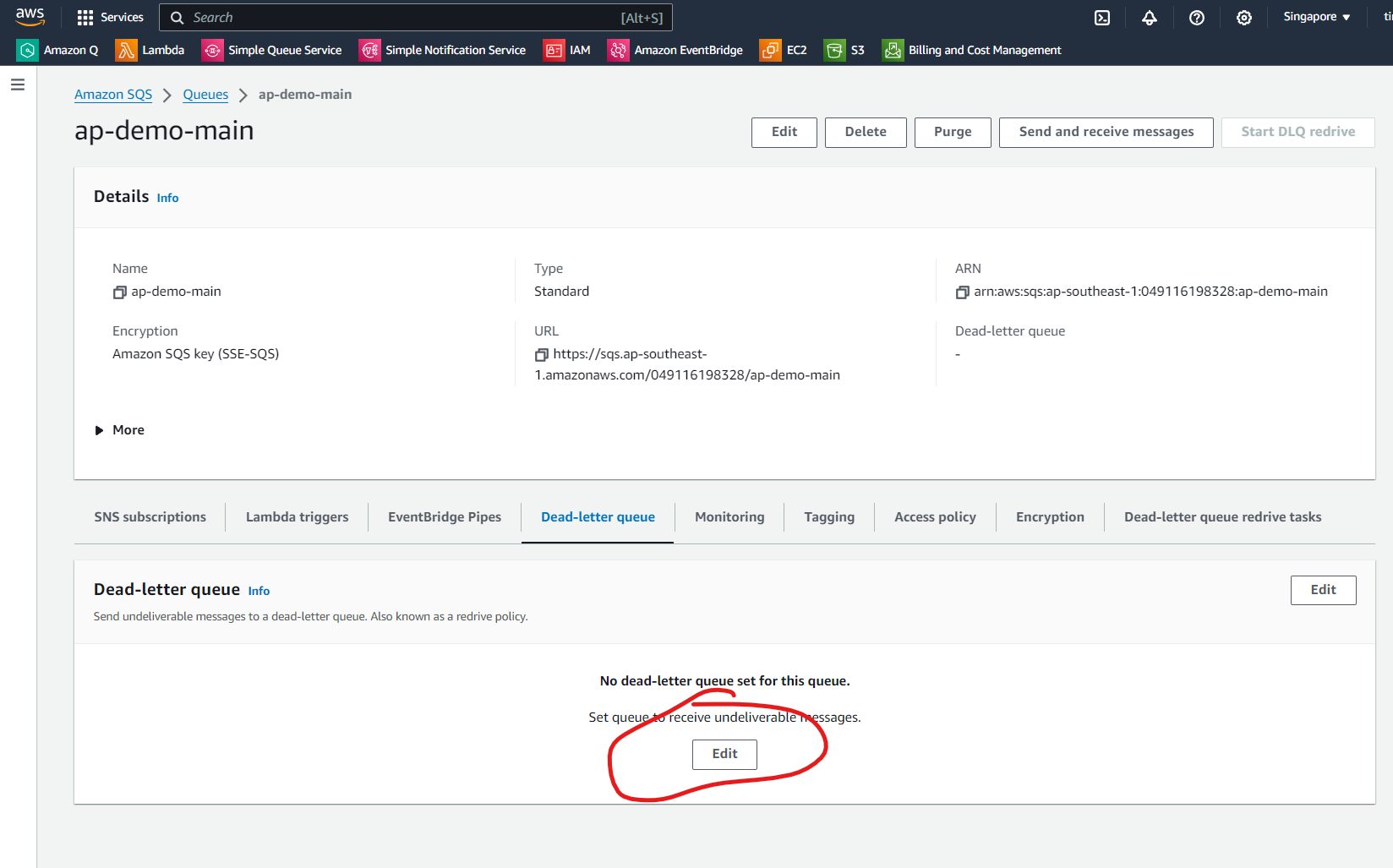
Step 3: Back to the queue ap-demo-main, go to the Dead-letter queue, then select the Edit button.
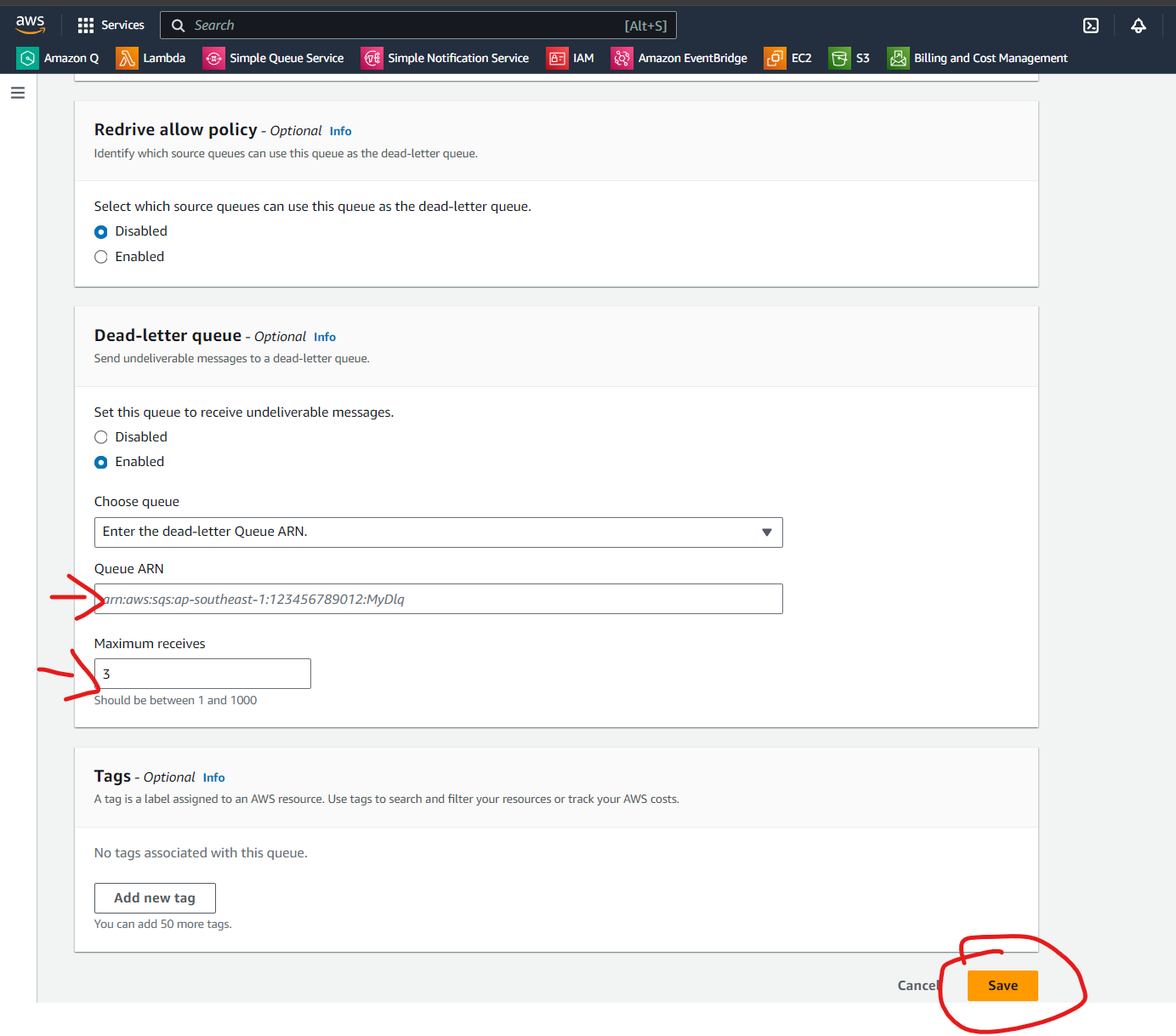
Step 4: On the new screen, edit the configuration as shown in the image.
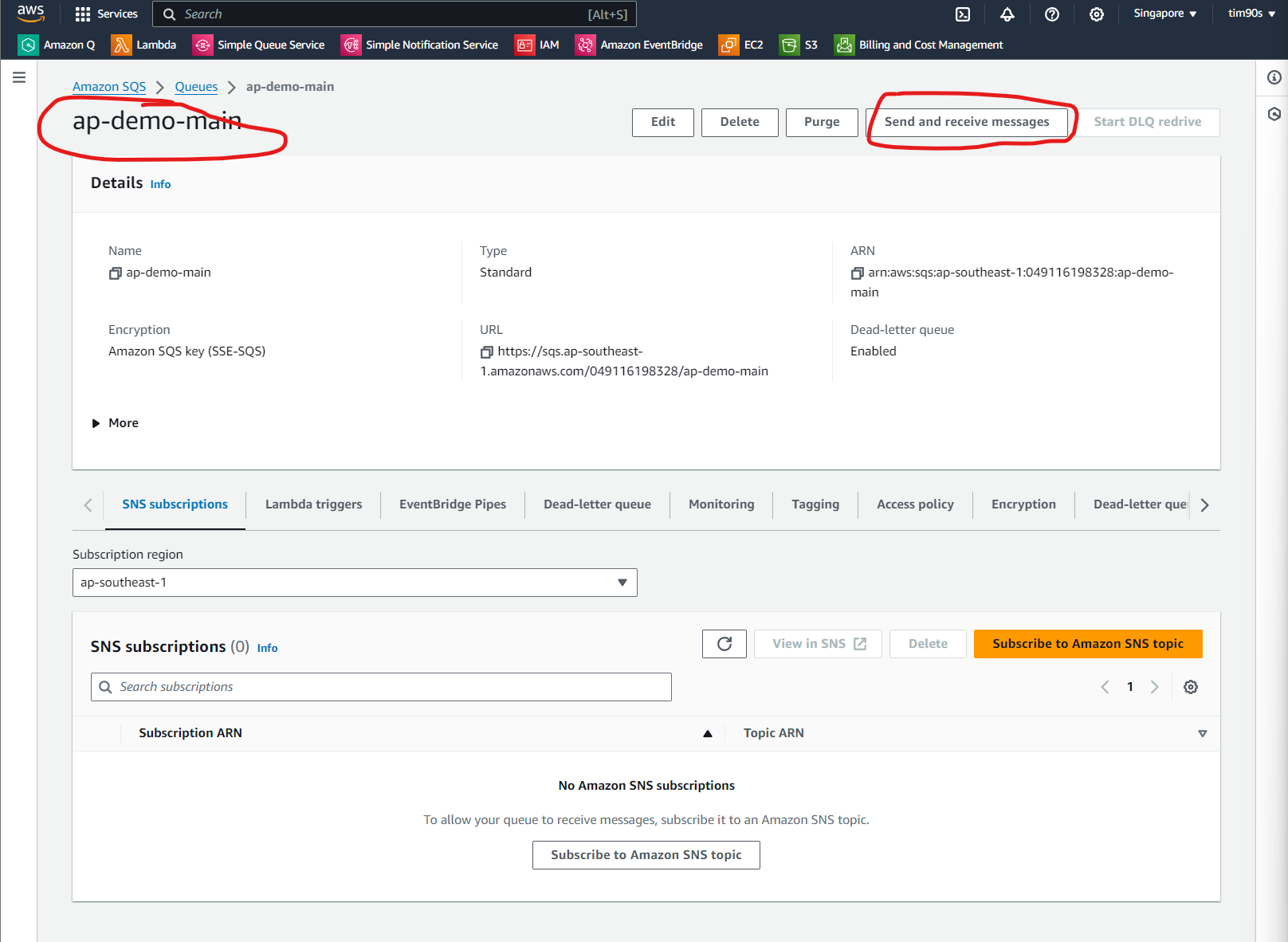
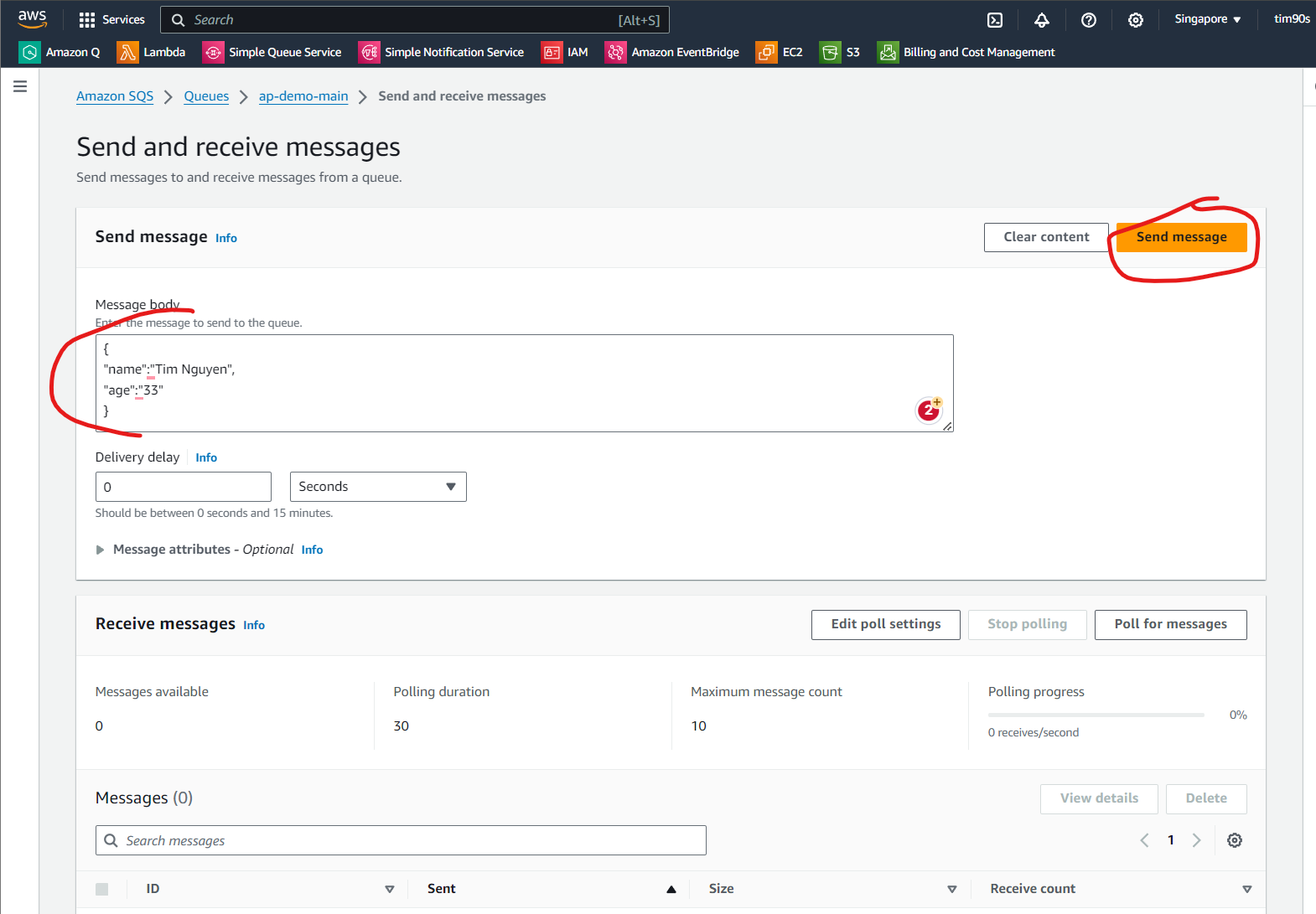
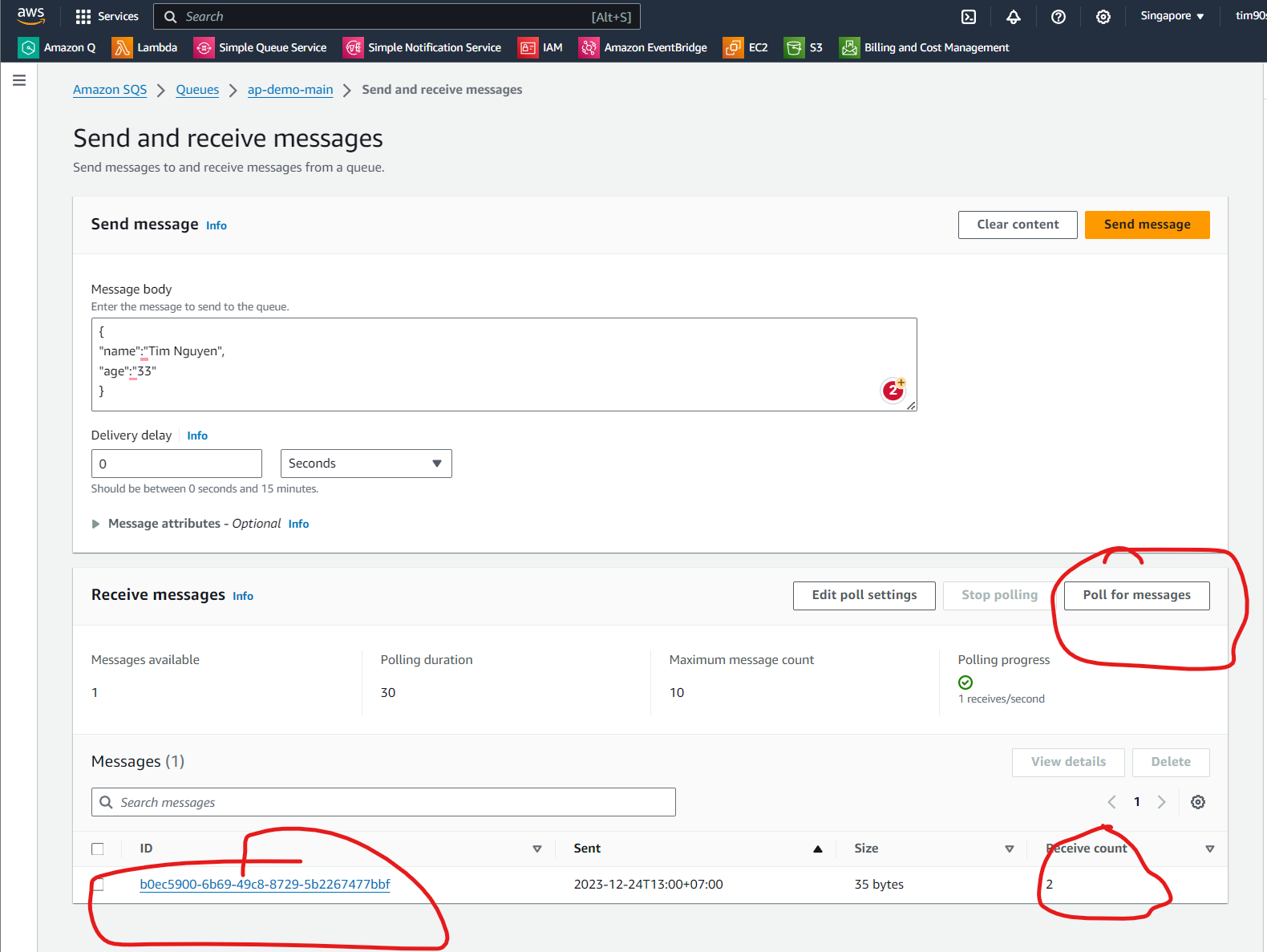
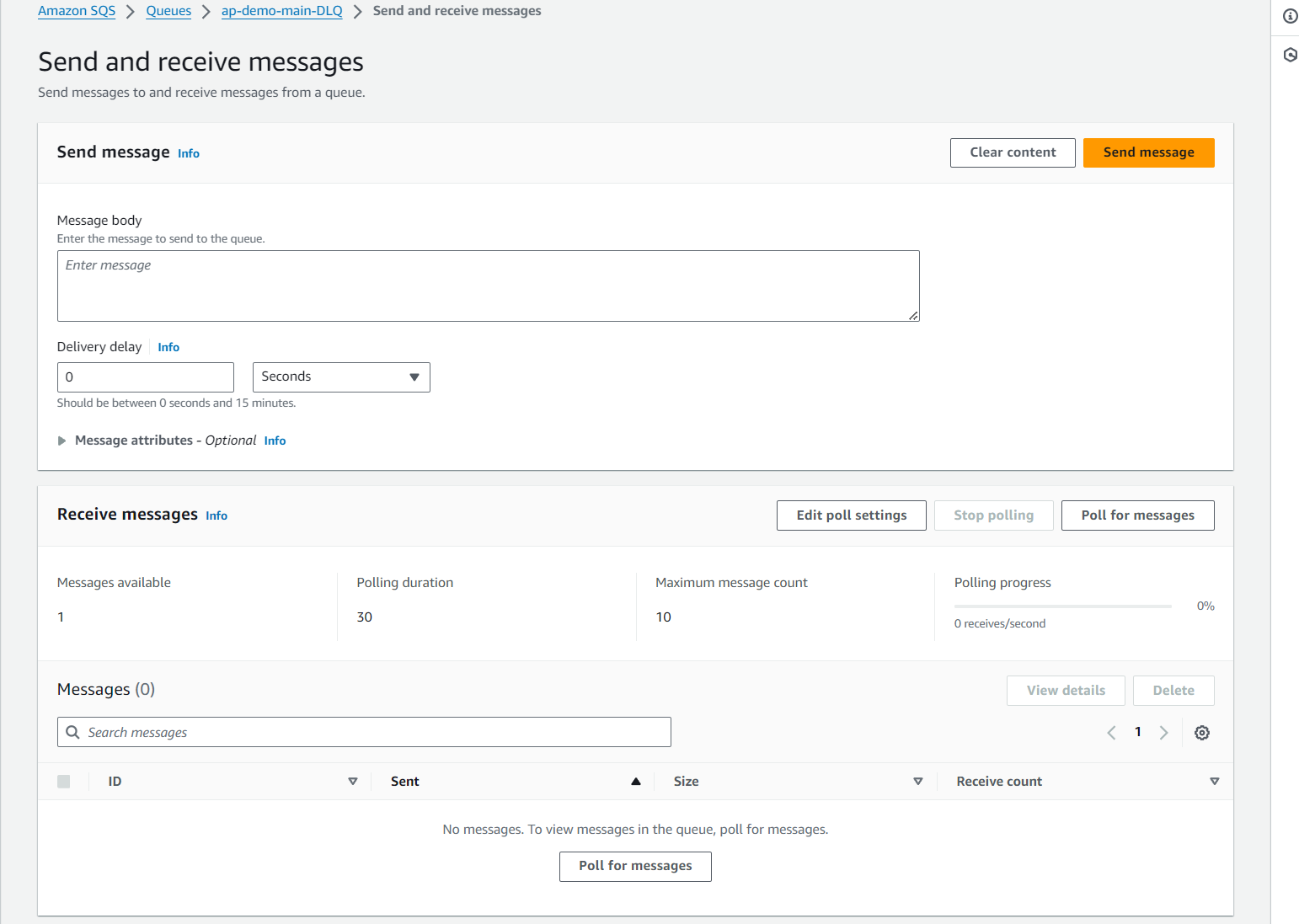
Step 5: Testing.