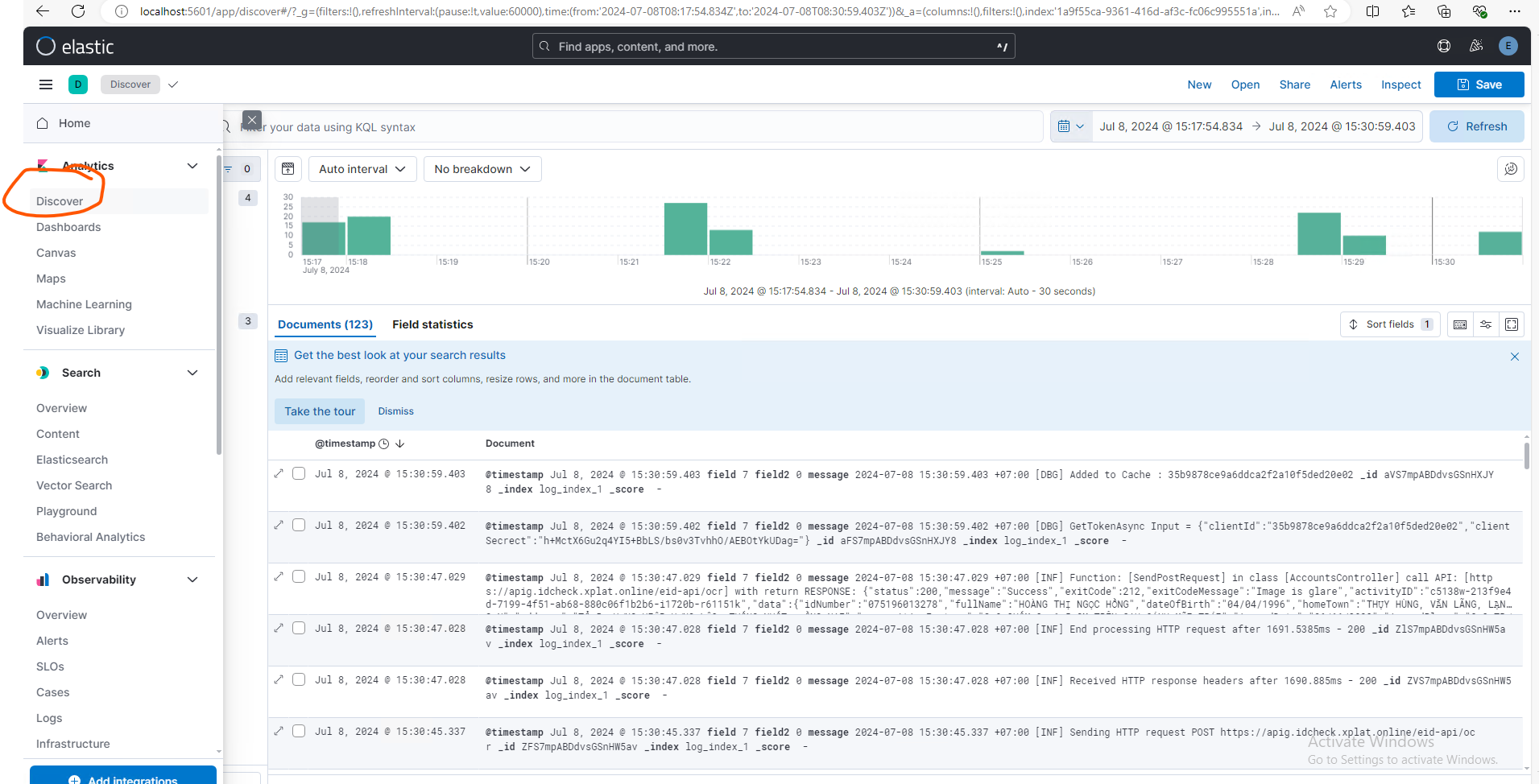
I. Introduction
Elasticsearch and Kibana are powerful tools often used together to monitor, read, and analyze system logs. They provide a robust solution for logging and monitoring, especially in environments with large amounts of data.
II. How do you set up Kibana and Elasticsearch on the local machine?
Step 1: Please visit these links below to download the Kibana and Elasticsearch to your local machine.
Kibana: https://www.elastic.co/downloads/kibana
Elasticsearch: https://www.elastic.co/downloads/elasticsearch
Step 2: From the download package of the Elasticsearch, go to the folder \bin\ and run the elasticsearch.bat to bootstrap that application.

Step 2: From the download package of the Kibana, go to the folder \bin\ and run the kibana.bat to start the Kibana application.

Step 3: After executing the kibana.bat in Step 2, the application will provide a URL to start the Kibana application on your local machine.

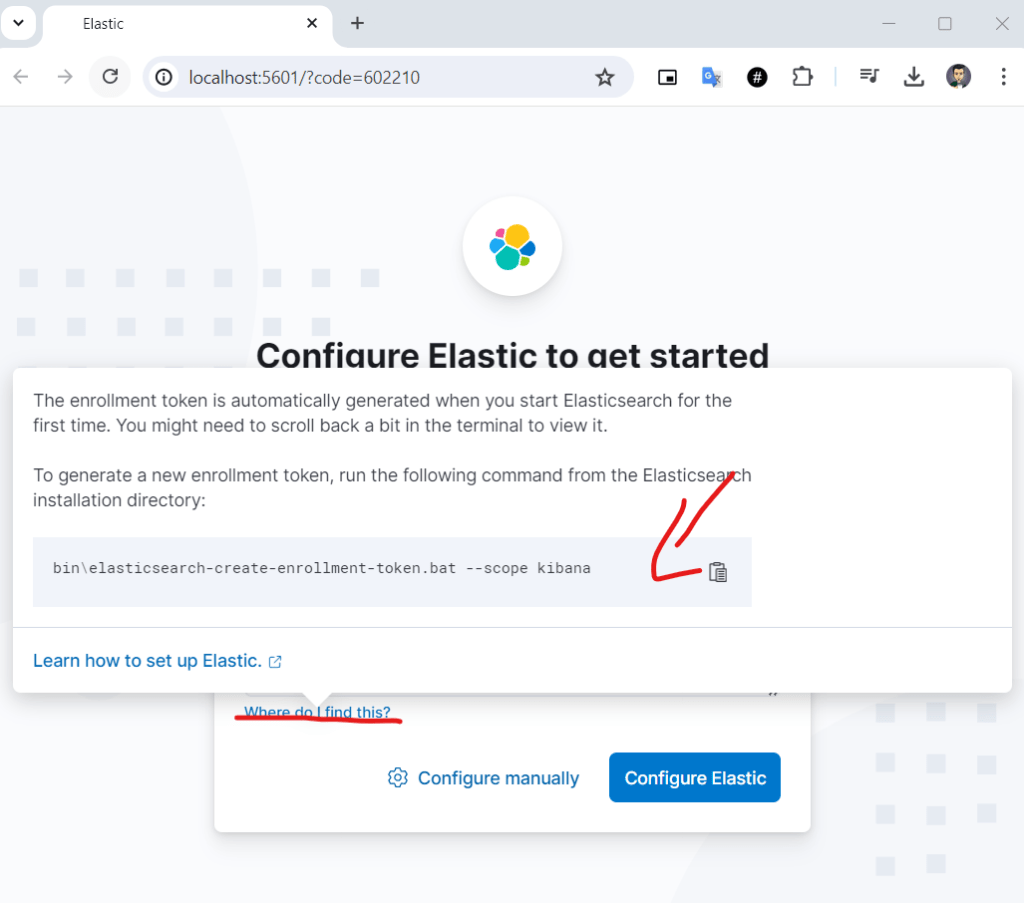
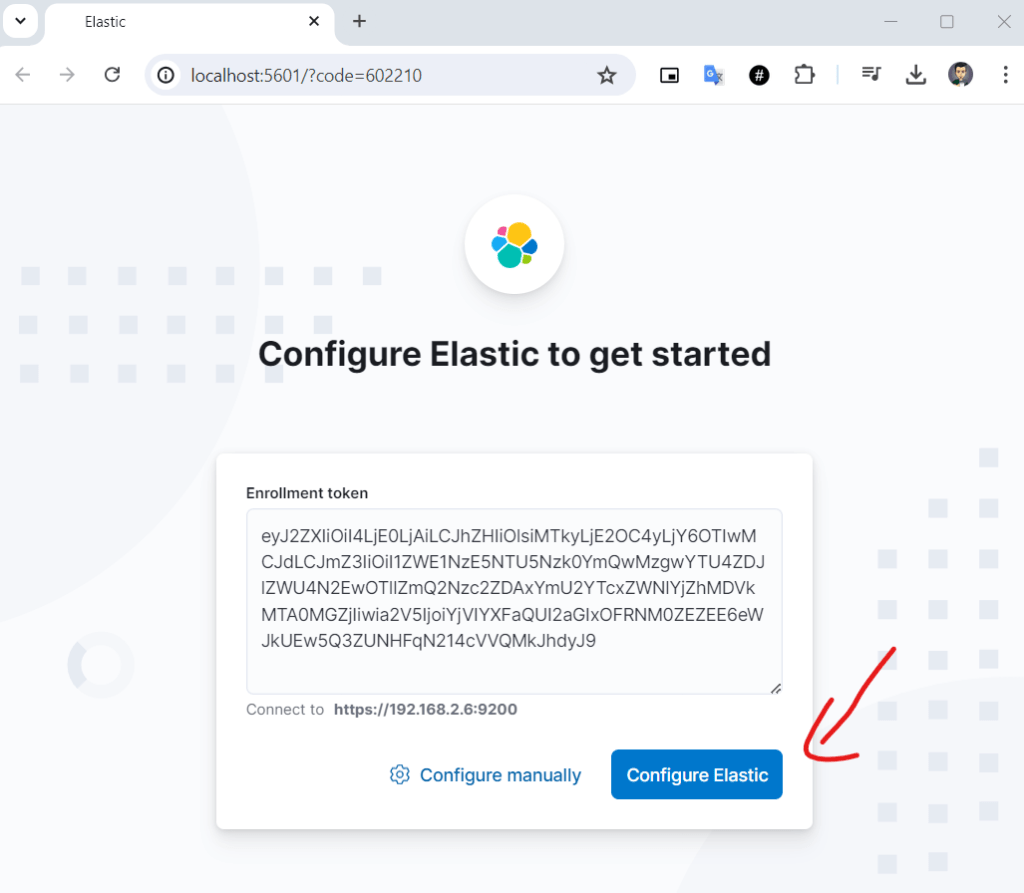
Step 4: When you click the link in Step 3, you will be inactivated to the configure screen as below.

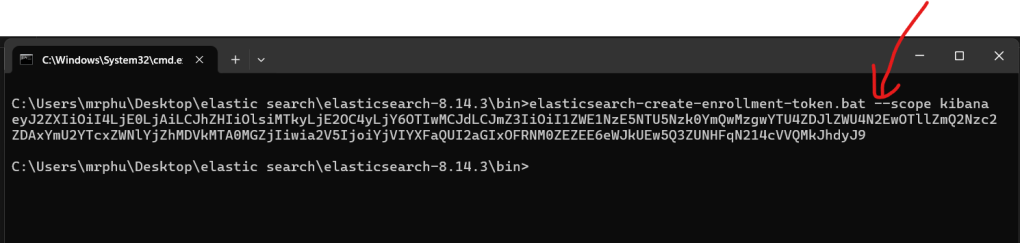
Step 5: To get the enrollment token, please execute the command elasticsearch-create-enrollment-token.bat –scope kibana on the folder /bin/ of the elasticsearch application.